
Error Code Description:
Recent reports from the field in regards to the Toshiba 2507 copier and the C452 error code have been analyzed by the R&D team at Zhono. What the team found was that even when the cartridge was removed, chip replaced and the machine powered on and off the error code persisted.

Solution
Step1: Using a voltmeter, check the level of voltage to see if it is too low.
Step2: Open the left cover, check the fuser assembly for any foreign matter.

If no abnormality is found in the above steps, move to the service steps as follows.
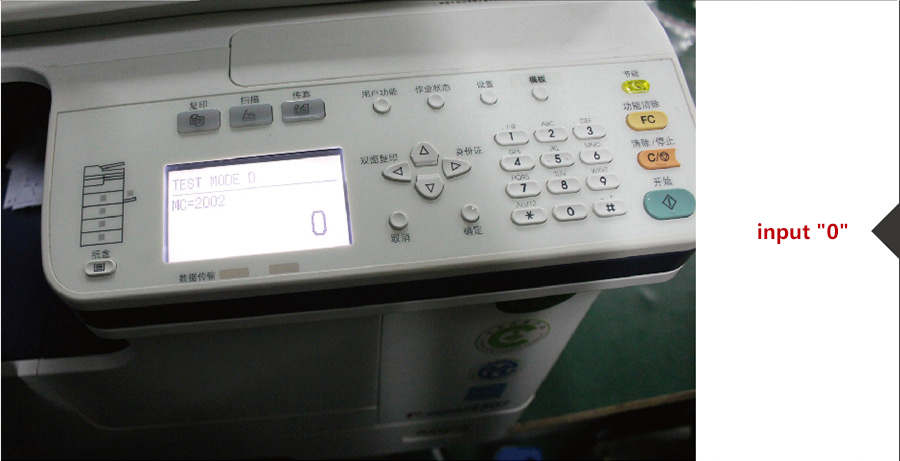
Step1: Power on switch, press and hold the number key 0 and 8at the same time.

Step2: When the screen displays: TEST MODE. Release the key 0 and 8, then type: 2002 and click: Stratton the keypad.

Step3:After type 2002 on the keypad, the screen displays "62".

Step4: Click Delete key, then type 0, Click Ok.

Step5:Turn off the power, then turn on again.
Note: After you go through the Service Mode procedure above and the copier still displays the error code, then thermistor has been burnt and is defective, please replace the thermistor.
If you are interested with ptinter and copier parts , please contact us by requirments.
Guangzhou Xingang Electronic Technology Co., Ltd.
(Source:ZHONO)