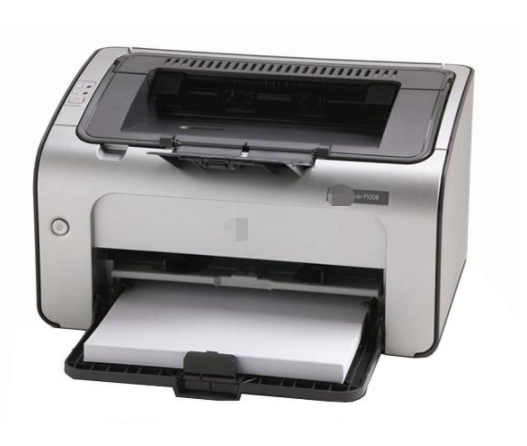
Firmware issues have plagued aftermarket cartridges for many years. Static Control has always been at the forefront by offering the most firmware-resistant chip solutions thanks to our commitment to research and development.
As more OEMs are using firmware to block out aftermarket cartridges, it is important to avoid printer firmware updates, in particular in HP’s most recent OfficeJet Pro printers. These are distributed with an Automatic Firmware Update option that is set to ‘On’ when a customer receives the printer. This means that if your customer does not change the setting, their printer will automatically be updated with the latest firmware updates, potentially making aftermarket cartridges not work properly in the printer.
Below we show you the easiest method to turn off this setting:
Step 1: From the top of the screen, touch or swipe down the tab to open the Dashboard, touch (Setup)
Steps 2:Touch SetUp.
Step 3: Touch Printer Maintenance.
Step 4: Touch Update the Printer.
Step 5: Touch Printer Update Options.
Step 6: Select Do Not Check.
Step 7: It will notify you that HP recommends that you allow the printer to check for updates and will ask you do you want to turn on printer updates. Select No.